The Firebase admin
you’ve been missing.
Native Mac app. Live Firestore editing, AI chat with Claude, schedulable workflows, project compare.
Stop tab-switching. Start shipping.
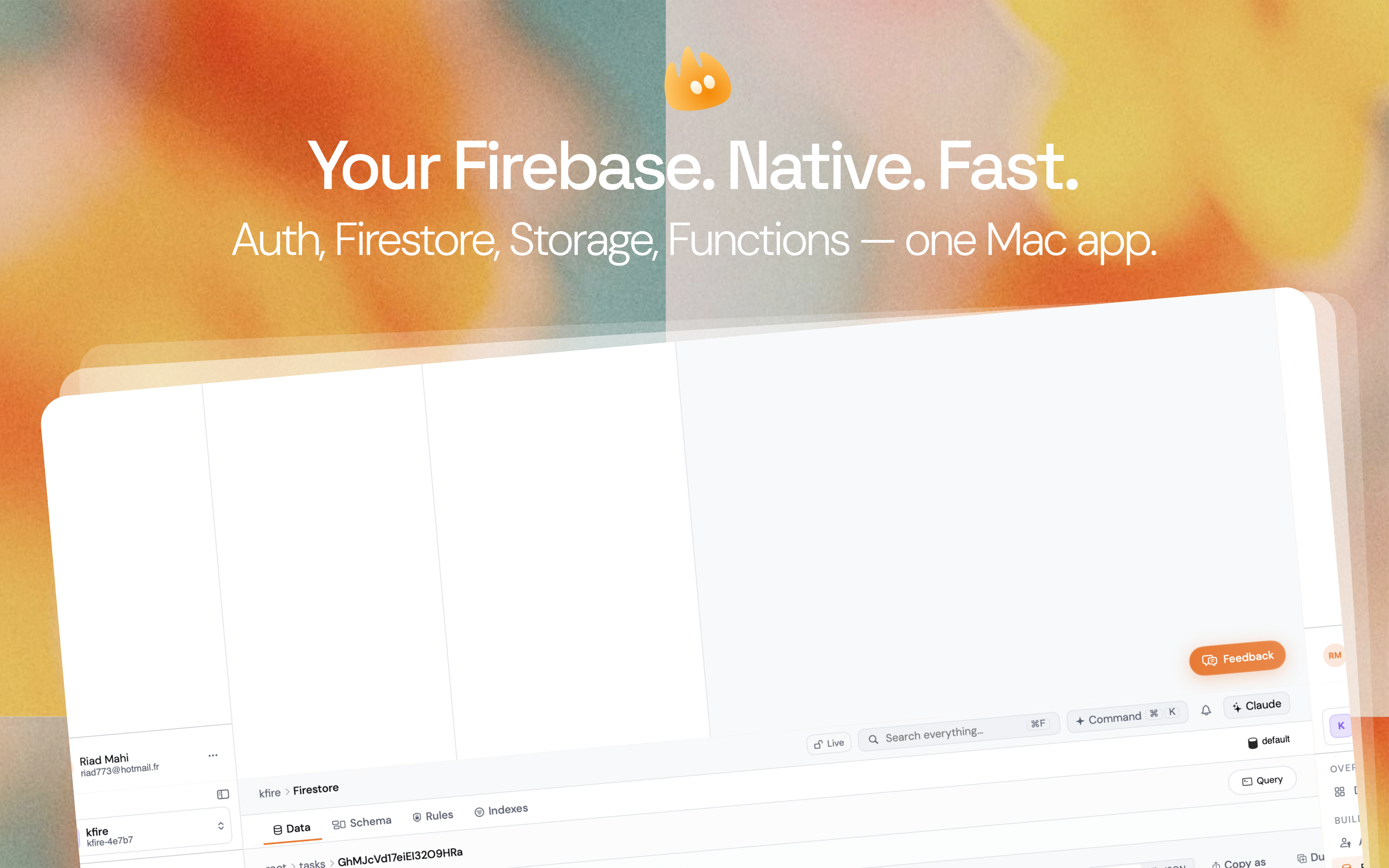
Everything in the console.
Then everything it’s missing.
Edit live data, fearlessly.
Browse collections, edit fields inline with type-aware controls, paste raw JSON. Every destructive action is undoable. Snapshot before, restore after.
- Three-pane layout · collections · docs · field editor
- Type-safe inline edits with JSON / map / array support
- Snapshots & restore for any collection
- Cross-window drag to copy a doc between projects
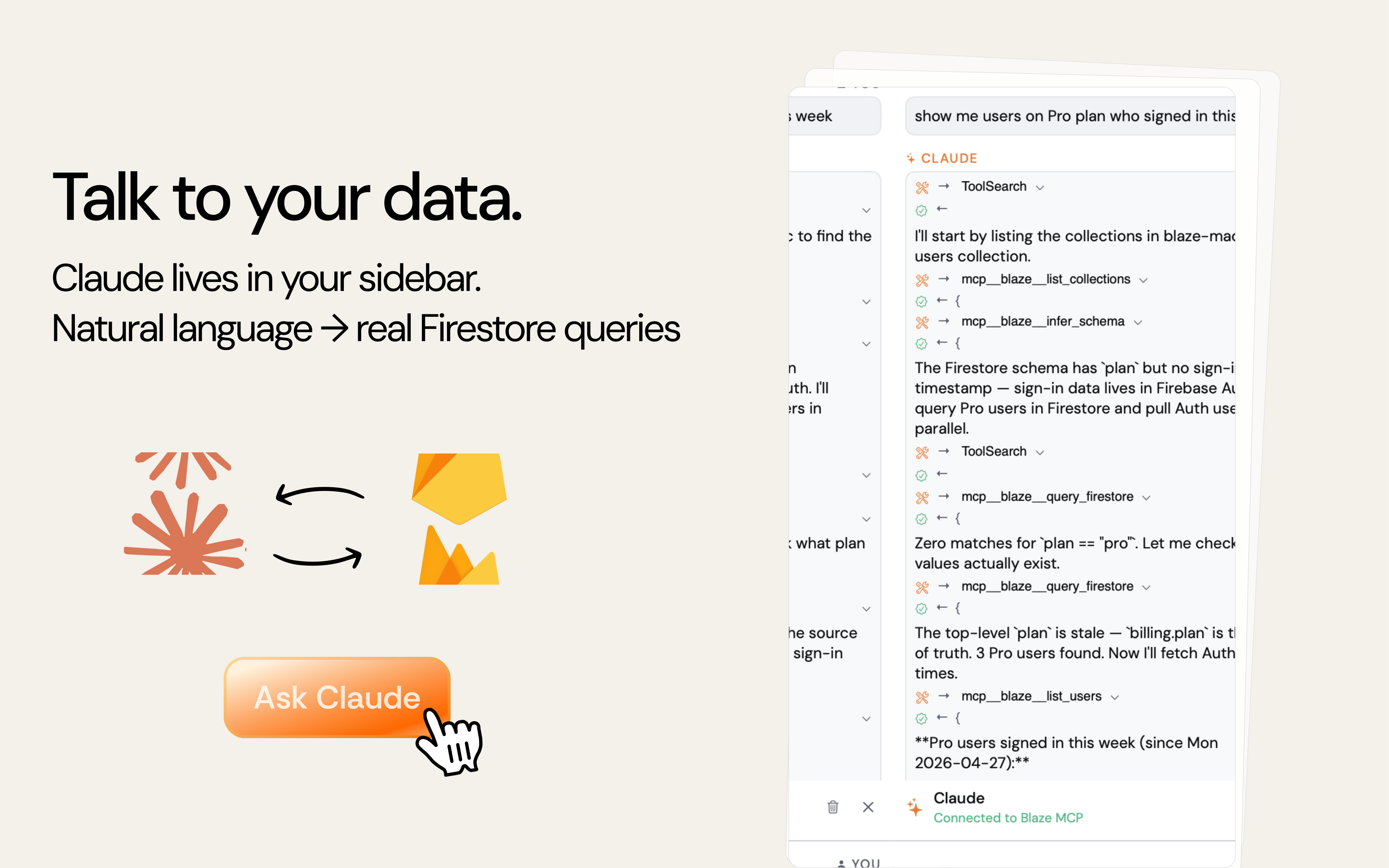
Talk to your data.
The sidebar drives the local claude CLI you already have. Your Claude Pro / Team subscription pays for it — Blaze never touches the Anthropic API and you never paste an API key. Plain English in, real Firestore queries out.
- Backend = Claude Code subprocess on your Mac
- Zero Anthropic API billing — uses your existing subscription
- MCP-native: 12 Blaze tools auto-approved (queries, workflows, schemas)
- One-time install: npm i -g @anthropic-ai/claude-code, then `claude` to log in
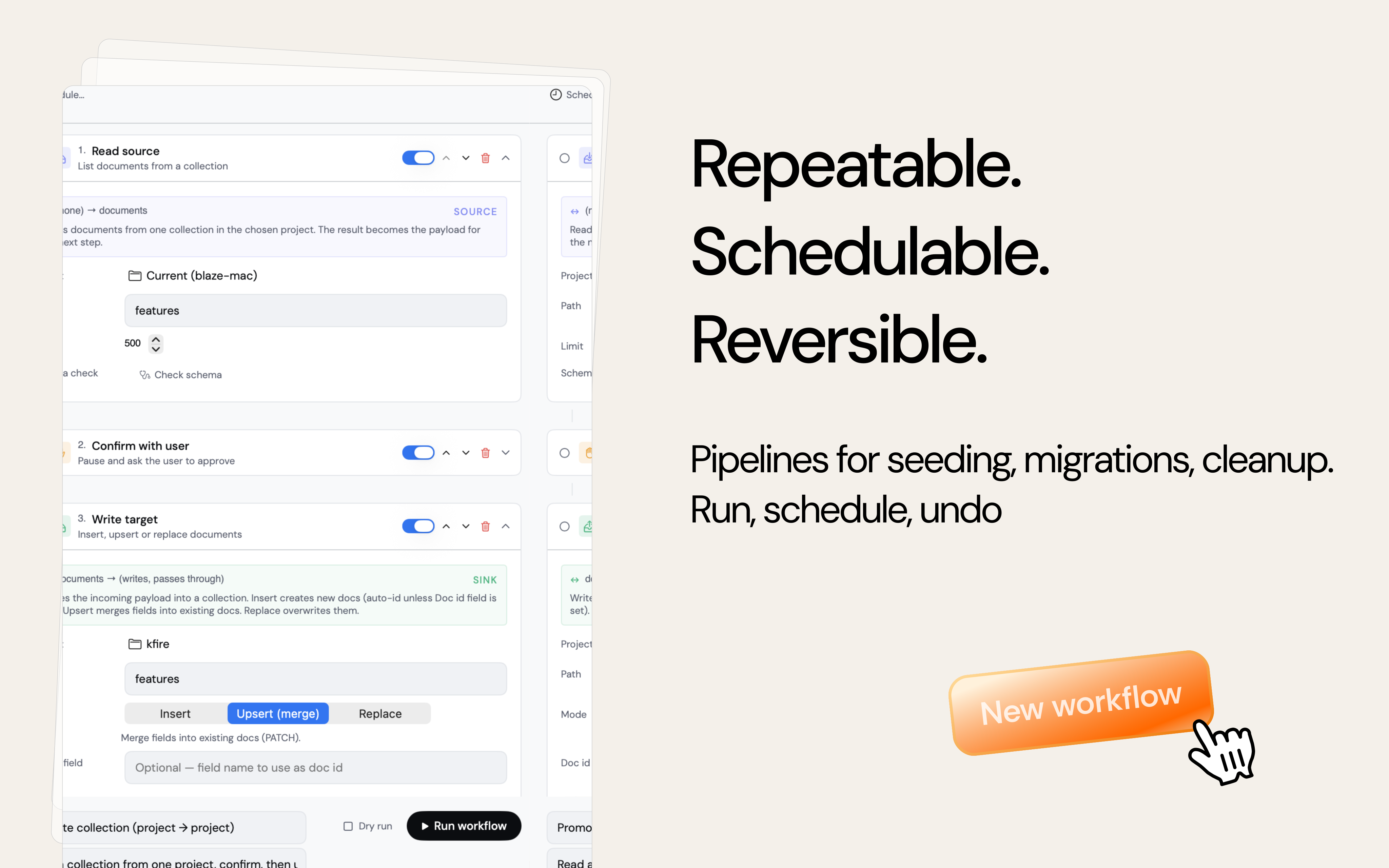
Repeatable. Schedulable. Reversible.
Build pipelines for seeding, migrations, cleanup. Generate fake data, transform it, write to Firestore, notify the team. Schedule daily. Dry-run first.
- 6 step kinds: generate / list / write / map / confirm / notify
- Cron-style schedules — daily, hourly, weekly
- Dry-run mode — preview every write before it lands
- Undo stack with project-level scope
Diff projects like git diffs code.
Pick two Firebase projects, see exactly what differs. Collections, deployed functions, security rules, indexes — all side-by-side.
- Counts + structure diff per collection
- Functions: status, runtime, last deploy
- Rules / Indexes diff with line-level highlights
- One-click copy of a doc from staging to prod
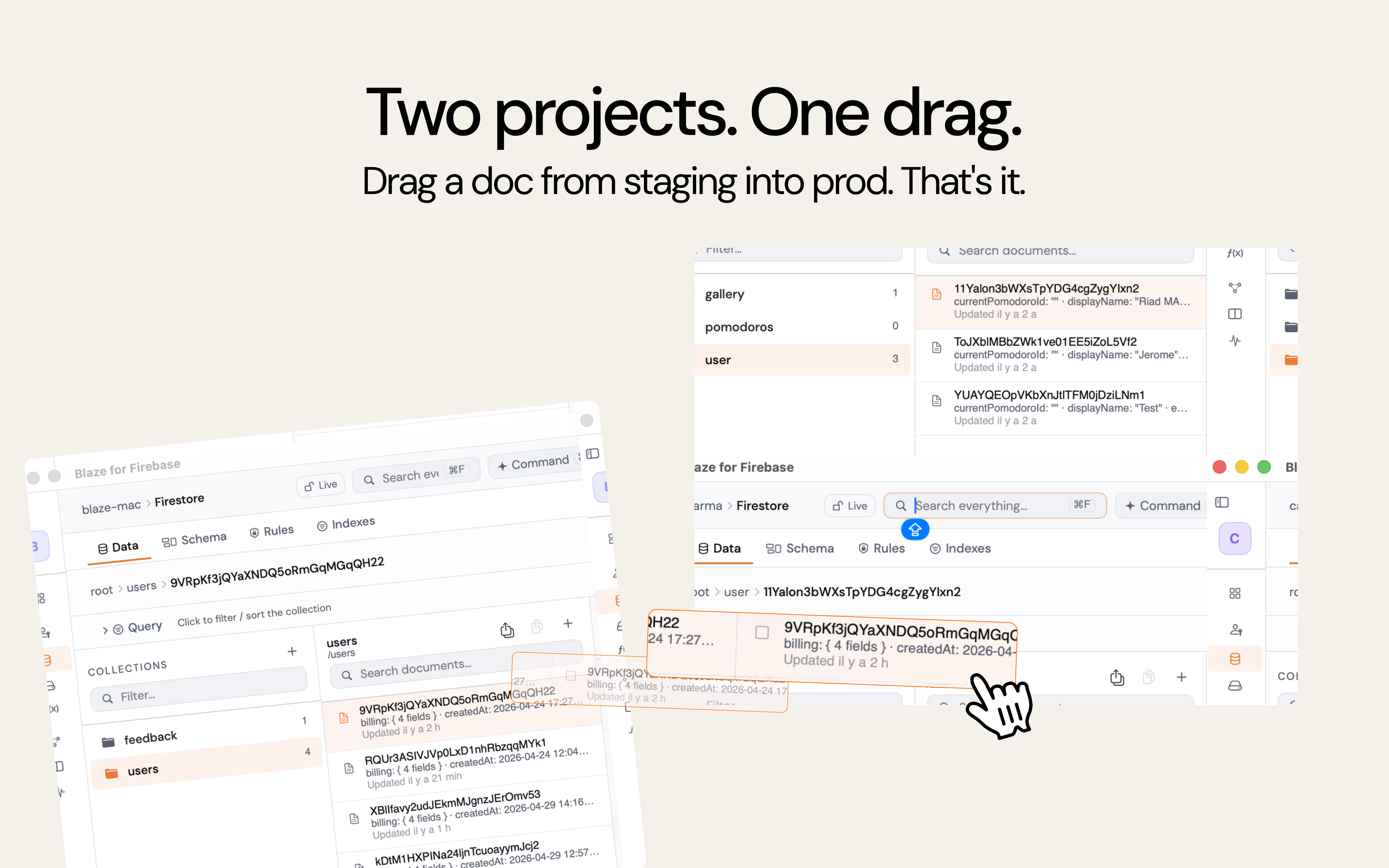
Two projects.
One drag.
Open blaze-dev and blaze-prod in two windows. Drag a document, a Storage file, or a whole folder from one to the other. Server-side copy via Cloud APIs — bytes don’t round-trip your machine.
- Two windows, same app, native NSItemProvider
- Firestore docs · Storage files · Auth users
- Server-side rewrite for big files
- Drop on a collection row OR the pane background
Query Firestore in SQL.
A bottom-docked terminal-style panel. Familiar SELECT syntax, live schema preview, results inline. Click any field to add it to the projection.
- SELECT * FROM users WHERE plan = 'pro' LIMIT 25
- Schema inferred from sampled documents
- One-click composite-index creation when needed
- ⌘ + / to toggle, ⌘ + Return to run
From download to shipping
in five minutes.
Download Blaze
Notarized DMG, drag to Applications. macOS 14+.
Connect via firebase CLI
Blaze reuses your existing firebase-tools session — run `firebase login` once in Terminal, you’re in. No accounts to create.
Pick a project
Sidebar lists every Firebase project on your account.
Ship
Edit live, automate, query, ask Claude. Repeat.
Free to try.
Pro when you mean it.
Free
Daily-driver basics on up to 2 Firebase projects.
- 2 projects
- Firestore data browser
- Auth / Storage / Functions
- MCP server (read-only tools)
Pro
Unlimited projects + every Pro tool unlocked.
- Unlimited projects
- AI chat sidebar (Claude)
- Workflows + Schedules
- Project compare
- Snapshots + Restore
- SQL query panel
- Cross-window drag
Lifetime
Pay once. Every Pro feature, forever.
- Everything in Pro
- 1 year of updates
- Priority support
- Founder’s edition badge
Auto-renewable subscriptions billed by Apple. Cancel anytime in App Store → Subscriptions. Lifetime is a non-renewing one-time purchase.
Quick answers.

Stop tab-switching.
Start shipping.
Free download. macOS 14+. Notarized by Apple.